Installation
Platform support (current): iOS and Android only. Web is not officially supported yet and may be added in future releases.
Install react-native-toast-system using your package manager of choice.
Install the Package
pnpm
pnpm add react-native-toast-system
npm
npm install react-native-toast-system
yarn
yarn add react-native-toast-system
bun
bun add react-native-toast-system
Install Peer Dependencies
Install peers if they are not already present in your app.
pnpm
pnpm add react-native-gesture-handler react-native-reanimated react-native-safe-area-context react-native-svg react-native-worklets
pnpm add react-native-screens
npm
npm install react-native-gesture-handler react-native-reanimated react-native-safe-area-context react-native-svg react-native-worklets
npm install react-native-screens
yarn
yarn add react-native-gesture-handler react-native-reanimated react-native-safe-area-context react-native-svg react-native-worklets
yarn add react-native-screens
bun
bun add react-native-gesture-handler react-native-reanimated react-native-safe-area-context react-native-svg react-native-worklets
bun add react-native-screens
react-native-screens is optional and mainly relevant when using native surface overlay behaviors.
Verify Installation
- Package is present in
package.json. - App can type-check imports from
react-native-toast-system.
Optional Subpath Imports
Root import is still the default and fully supported.
You can also import from subpaths when you want narrower entry points:
import { ToastProvider } from "react-native-toast-system/providers";
import { ToastHost, ToastViewport } from "react-native-toast-system/components";
import { useToast } from "react-native-toast-system/hooks";
import { toast } from "react-native-toast-system/utils";
Visual Check
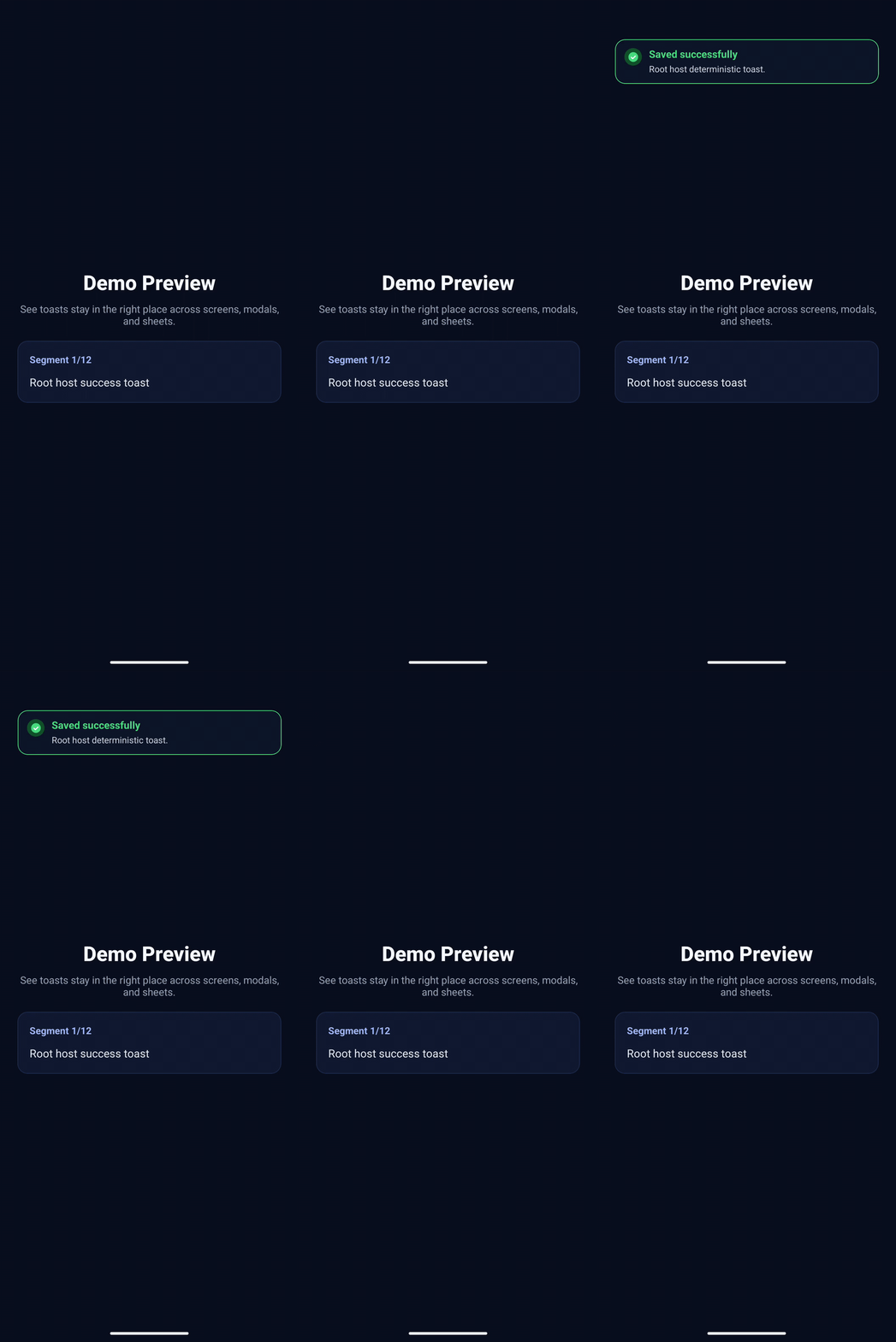
After install and runtime setup, your first success path should look like this: